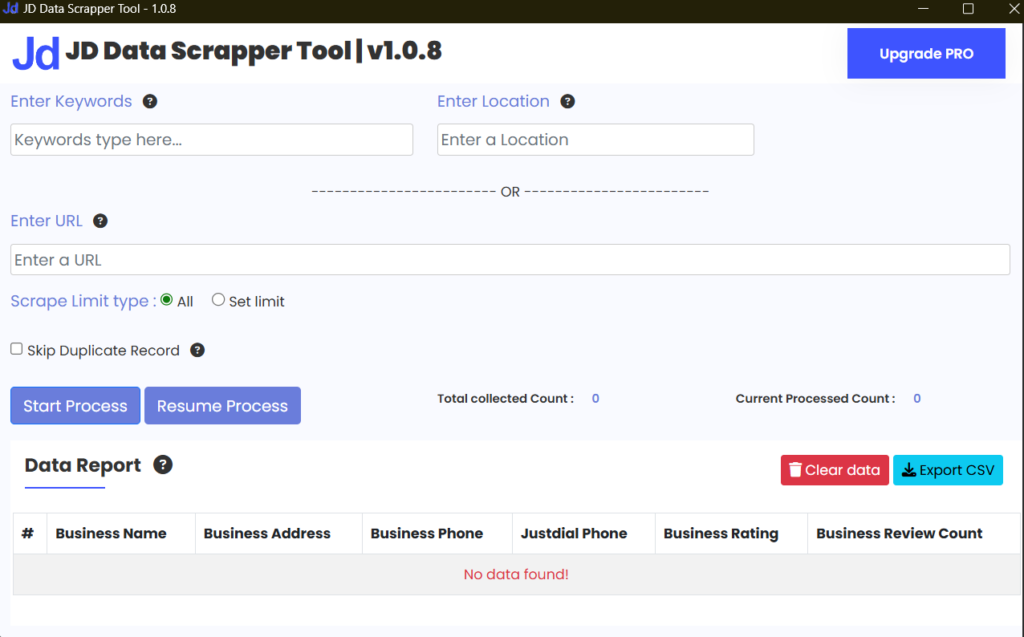




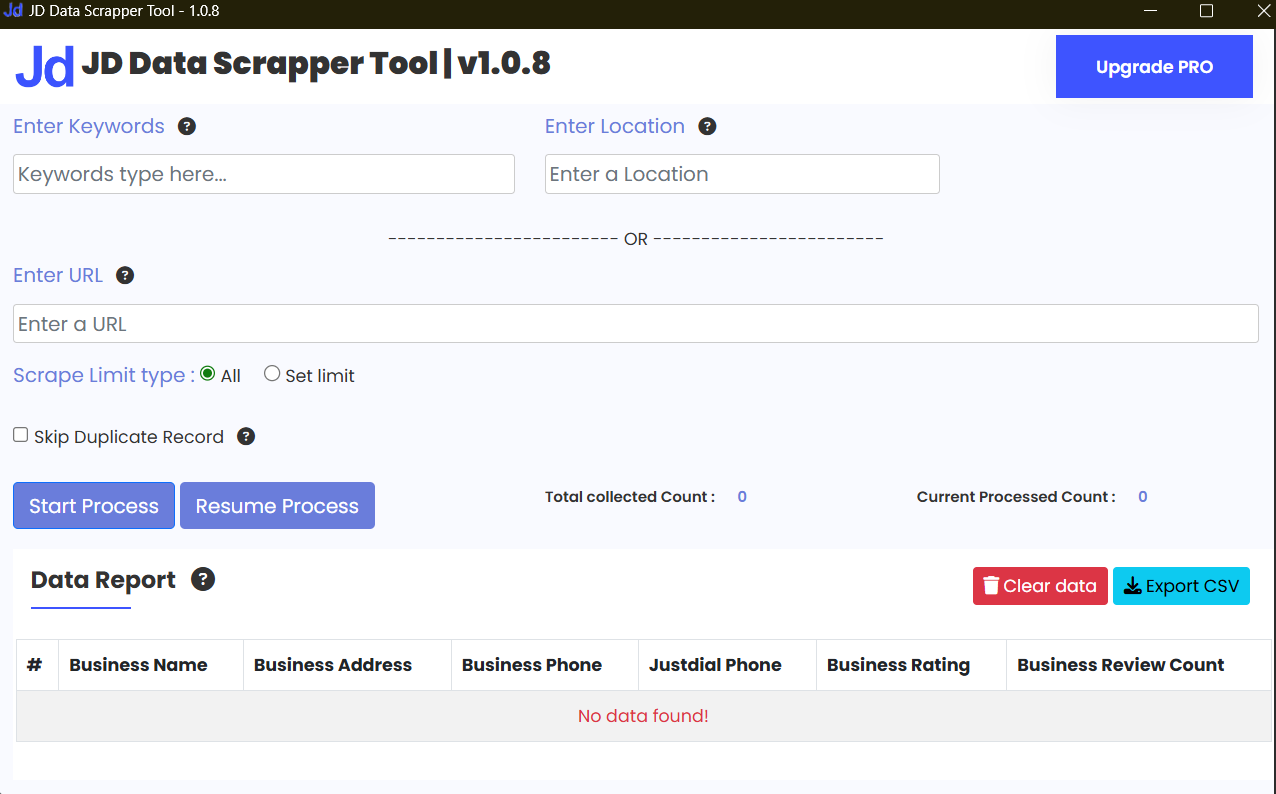





Data Extractor : The Quiet Tool Doing the Heavy Lifting in the Digital World
You’re staring at a website packed with useful information. Prices, product names, contact details, reviews—gold everywhere. But it’s locked inside rows, pages, and endless scrolling. Copy-paste? That road leads straight to frustration, wrist pain, and regret. This is exactly where a data extractor steps in like a calm friend who says, “Relax, I’ve got this.” Whether you’re a student learning the ropes, a developer building real-world projects, or someone juggling development and digital marketing in an agency setting, understanding data extractors isn’t optional anymore. It’s survival gear.
Let’s break it down—no buzzwords, no corporate fog, just straight talk.
What Is a Data Extractor (Without the Textbook Voice)?
A data extractor is a tool or system that pulls specific information from a source and turns it into something usable.
That source could be:
A website
A PDF
An Excel file
An image
A database
Even plain messy text
And the output?
Clean, structured data. The kind that fits neatly into spreadsheets, dashboards, CRMs, or reports.
Think of a data extractor like a coffee filter. You pour in chaos. You get clarity.
Why Everyone Suddenly Cares About Data Extraction
Ten years ago, data extraction felt like something only hardcore developers touched. Today? Everyone wants a slice.
Students need real datasets for assignments and projects
Developers need fast access to data for apps and testing
Digital marketers rely on competitor analysis and lead lists
Agencies live on automation and scale
Beginners want tools that don’t fight back
Data isn’t rare anymore. Clean data is.
And that’s why data extractors are quietly becoming essential.
A Quick Story (Because Real Life Explains It Better)
For a project, a friend of mine—a bright but overburdened final-year student—had to look at more than 1,000 job postings.
He started manually.
Three hours in, he looked like he’d aged five years.
Next day, he used a simple data extractor. Ten minutes later, everything sat neatly in Excel. He didn’t just finish the project—he understood the data.
That’s the difference.
How a Data Extractor Actually Works (No Code Panic)
At its core, a data extractor does three things:
Reads the source – website, document, file, or API
Identifies what matters – headings, tables, patterns, fields
Exports the result – CSV, Excel, JSON, database, you name it
Some tools use rules. Some use AI. Some mix both.
You don’t need to know everything under the hood—just enough to drive.
Types of Data Extractors You’ll Run Into
1. Web Data Extractors
These pull information from websites. Product listings, prices, reviews, contact info, blog content—classic use cases.
Perfect for:
Market research
SEO analysis
Lead generation
Price monitoring
2. File-Based Data Extractors
Used for PDFs, Excel sheets, Word documents, images, or scanned files.
Common scenarios:
Extracting tables from PDFs
Converting invoices into structured data
Pulling text from images
3. API-Based Extractors
These talk directly to platforms like social media tools, analytics platforms, CRMs, or databases.
Developers love these because they’re fast, clean, and predictable.
4. AI-Powered Data Extractors
These handle unstructured chaos—emails, resumes, handwritten notes, mixed layouts.
They don’t rely on rigid rules. They understand context (well, close enough).
Why Students Should Care (Even If It’s Not in the Syllabus)
If you’re studying development, IT, data science, or digital marketing, here’s a truth bomb:
Real-world data is never clean.
Assignments often give you perfect datasets. Jobs won’t.
Learning how to use a data extractor means:
Faster project completion
Better understanding of messy data
Stronger portfolios
Less time wasted on boring tasks
And yes, recruiters notice when your project description says:
“Extracted and analyzed real-world data using automated tools.”
That line carries weight.
Developers: This Is Not “Cheating”
Some developers feel weird using data extractors. Like they’re skipping a step.
They’re not.
Automation is part of development. Always has been.
A data extractor lets you:
Build prototypes faster
Focus on logic instead of grunt work
Integrate real data into apps
Reduce human error
You still need to understand the data. The extractor just saves your sanity.
Digital Marketing Meets Data Extraction
If you work in or around digital marketing, data extractors are basically silent coworkers.
They help with:
Competitor content analysis
Keyword research at scale
SERP tracking
Email list building (ethically, please)
Social media insights
Instead of guessing, you act on evidence.
And in marketing, evidence wins arguments.
Agencies: Where Data Extractors Really Shine
Software and digital marketing agencies juggle multiple clients, deadlines, and data sources.
Manual work doesn’t scale.
Data extractors:
Speed up reporting
Automate repetitive tasks
Reduce costs
Improve accuracy
Free teams to think, not copy
Once agencies adopt extraction workflows, going back feels painful—like returning to dial-up internet.
Choosing the Right Data Extractor (Without Overthinking It)
Here’s a simple filter you can use:
Ask yourself:
What data am I extracting?
From where?
How often?
How clean does it need to be?
If you’re a beginner, start with:
Simple interfaces
Minimal setup
Export to Excel or CSV
If you’re technical:
Look for APIs
Custom rules
Integration options
And remember—no tool is perfect. The “best” data extractor is the one that fits your workflow without fighting you.
Common Mistakes Beginners Make (Learn These Early)
Let’s save you some headaches.
Extracting everything instead of what matters
Ignoring data structure until it breaks reports
Forgetting about updates and changes in source data
Assuming extracted data is always correct
Pro tip: Always sanity-check your output. Tools are fast. They’re not psychic.
Is Data Extraction Legal?
Short answer: Sometimes. Context matters.
Public data, ethical use, respecting terms of service, and privacy laws all play a role.
If you’re extracting:
Your own data → safe
Public, non-sensitive data → usually fine
Personal or private data → tread carefully
When in doubt, pause. Automation isn’t worth legal trouble.
Skills You Build While Using Data Extractors
Here’s the underrated part.
Using data extractors sharpens:
Data thinking
Pattern recognition
Problem-solving
Workflow design
Analytical mindset
You’re not just clicking buttons. You’re learning how information moves.
That skill transfers everywhere.
The Future: Data Extractors Aren’t Going Away
If anything, they’re getting smarter.
AI-driven extraction, real-time processing, better accuracy, and deeper integrations are already here.
Students who learn this now?
They’re early.
Developers who master it?
They’re efficient.
Agencies that ignore it?
They’re slower than they need to be.
Final Thoughts (From One Human to Another)
A data extractor isn’t flashy. It doesn’t brag. It doesn’t trend on social media.
But it quietly removes friction from your work.
It turns hours into minutes.
Confusion into structure.
Stress into progress.
If you’re building a future in development, marketing, or tech in general, learning how to extract data isn’t just useful—it’s empowering.
And honestly? Once you use it properly, you’ll wonder how you ever worked without it.1. What exactly does a data extractor do?
Here is the purchase link get and improve you business 👉 Lead Extractor Software
FAQs (Frequently Asked Questions)
1. What is a data extractor?
One tool that makes information collection simple is a data extractor. It selects the necessary information for you and stores it in a single file, such as Excel or CSV, avoiding repeatedly copying data. Time and effort are saved.
2. Who can use a data extractor?
It can be used by anybody who handles information. Developers use it for projects, marketers use it for research, students use it for studies, and agencies use it to complete tasks more quickly.
3. Do I need coding skills to use a extractor?
No. Many data extractors work with simple clicks. If you know how to use a computer and download files, you can use them. Coding is only needed for advanced work.
4. Why not copy data by hand?
Copying by hand takes a lot of time and gets tiring. It’s easy to miss data or make mistakes. A data extractor does the same work faster and keeps everything in order.
5. Can a data extractor collect data from any website?
It works well on public websites that show information clearly. Some websites block data tools or change their pages often, so results may change. Always follow website rules.
6. How does a extractor know what to take?
You tell the tool what data you want, like names, prices, or emails. Some tools learn patterns on their own. You don’t need to understand how it works inside.
7. Is it safe for students to use extractors?
Yes, as long as the data is public or allowed. Using real data helps students learn better and makes projects more useful.
8. Is using a extractor cheating?
No. It only removes boring work. You still study the data and learn from it. Using tools is part of smart working.
9. How do digital marketers use extractors?
They use them to look at search results, identify keywords, look at other websites, and collect basic lead information. They are able to make better choices as a result.
10. What type of data can a extractor collect?
It can collect data from websites, PDFs, Excel files, images, scanned files, and text documents. Some tools also handle mixed or messy data.
11. Is data extraction legal?
Using your own data or public data is usually fine. Private or personal data can cause problems. When unsure, it’s better to check first.
12. What mistakes do beginners make?
Beginners often collect too much data or forget to check the final result. It’s important to take only what you need and review it once.
13. Why do agencies use lead extractors?
Agencies handle many clients. Data extractors help them save time, reduce errors, and complete work faster.
14. Are AI lead extractors better?
They help when data looks unclear, like scanned files or bills. For simple websites, basic tools work just fine.
15. Is learning lead extraction useful?
Yes. Data keeps growing every day. Learning how to collect data helps students, developers, and marketers work better and faster.
Watch demo video on Youtube – Click me