
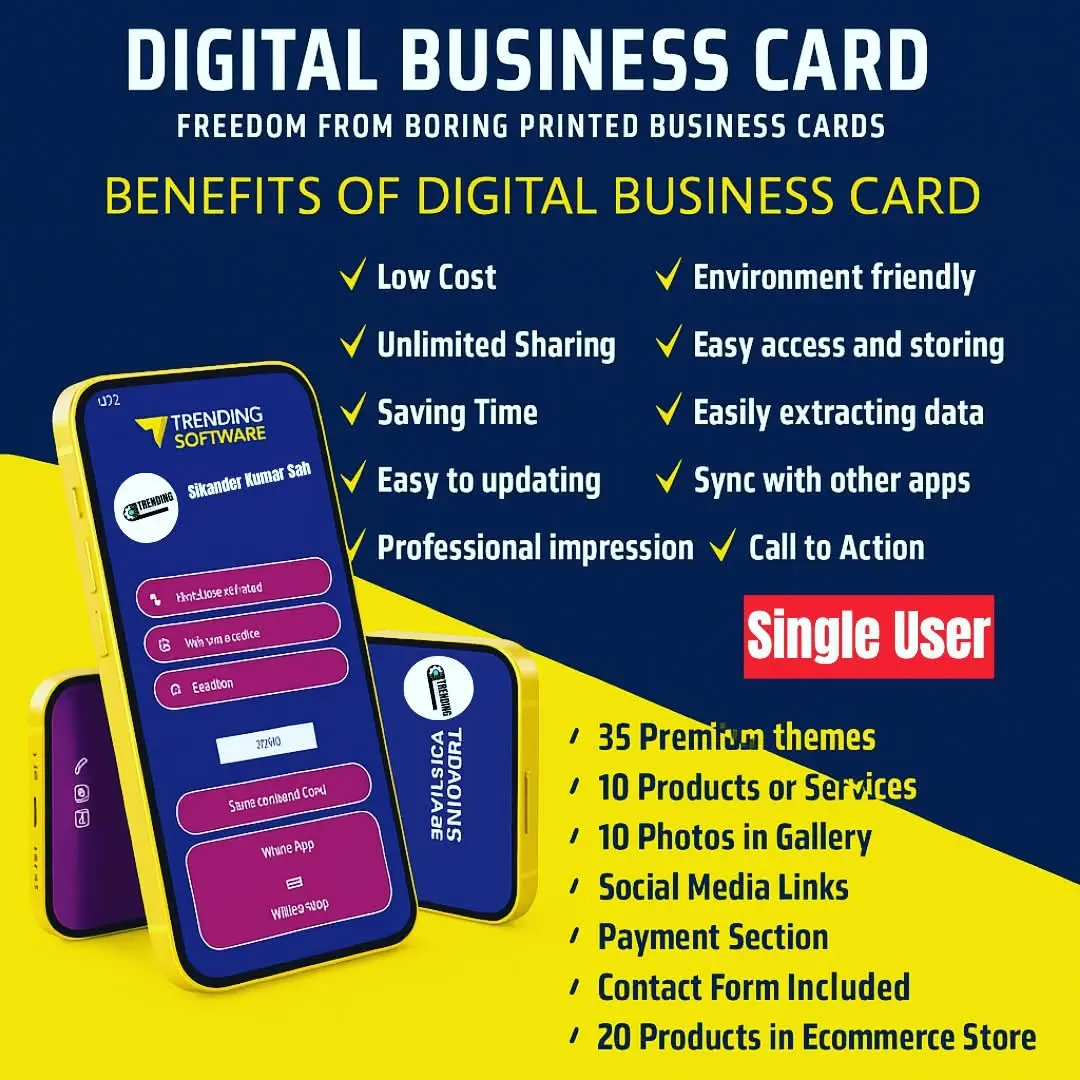
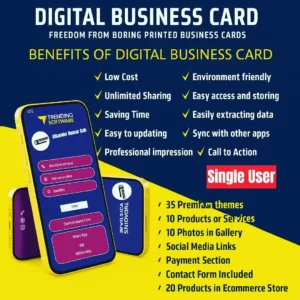
Digital Business Card Single User
Introduction
You know that awkward moment.
Someone asks for your contact details, and you either:
- scramble to find a crumpled business card
- or start spelling your email like it’s 2005
Yeah. Not great.
Here’s the thing. Networking has changed, but most people are still using outdated habits. That’s exactly where a Digital Business Card Single User setup comes in.
And no, it’s not just some fancy tech gimmick.
In this guide, I’ll break down what it actually is, why people are quietly switching to it, and whether it’s worth your time. No fluff. Just real talk.
So What Is a Digital Business Card (Really)?
Let’s not overcomplicate this.
A digital business card is basically your contact details — but smarter, cleaner, and way easier to share.
Rather than passing around printed cards, you just send a quick link that opens your details instantly. Or tap a card. Or scan a QR.
Done.
But here’s where people get confused.
A digital business card for individuals (single user) is not meant for big teams or corporate dashboards. It’s just for you. Your profile. Your links. Your identity.
That simplicity is kind of the whole point.
Why People Are Slowly Ditching Paper Cards
Honestly, paper business cards are… fine.
But they have problems. Real ones.
- They get lost
- They run out
- They don’t update
- And most people forget them anyway
Now let’s be real for a second.
When was the last time you actually saved someone’s number from a paper card?
Exactly.
With a personal digital business card, everything is clickable. Phone, WhatsApp, Instagram, website — all in one place.
And people are more likely to actually use it.
The “Single User” Part — Why It Matters
This part gets overlooked a lot.
A Digital Business Card Single User setup is focused. No dashboards, no team logins, no unnecessary features.
Just your profile.
That means:
- Faster setup
- Less confusion
- Easier control
And honestly, if you’re a freelancer, consultant, or small business owner… you don’t need anything more complicated.
That’s where most people get it wrong. They go for heavy tools when all they needed was something simple.
How It Actually Works (Without Tech Headaches)
I’ll break this down in a really simple, no-jargon way.
You create your digital card profile.
You add:
- Name
- Phone number
- Social links
- Maybe your portfolio or services
Then you get a shareable format:
- Link
- QR code
- NFC card (tap and open)
That’s it.
No downloads needed for the other person. No apps. Nothing weird.
And that’s why it works so well.
Real-Life Use Cases (Where This Actually Helps)
This isn’t just for “networking events.”
People use it in everyday situations.
1. Freelancers
If you’re a designer, marketer, or developer, your virtual business card for freelancers becomes your mini-portfolio.
Someone asks what you do?
You send one link. Done.
2. Salespeople
Speed matters.
Instead of explaining everything, you just share your digital contact card instantly.
Less talking. More closing.
3. Small Business Owners
Especially if you run local services.
Your online business card profile can include:
- Google Maps link
- WhatsApp chat
- Product page
Way more useful than a static card.
4. Content Creators
This one’s obvious.
All your platforms in one place.
And no, your Instagram bio link is not enough anymore.
Let’s Talk About NFC Cards (Because Everyone Asks)
NFC sounds complicated. It’s not.
Think of it like this:
You tap your smart business card on someone’s phone… and your profile opens automatically.
No scanning. No typing.
It feels smooth. Slightly impressive too, not gonna lie.
But here’s my honest take.
You don’t need NFC.
A simple link or QR works perfectly fine.
NFC just adds that extra “wow” factor.
Comparison: Digital vs Paper (No Sugarcoating)
| Feature | Digital Business Card | Paper Business Card |
|---|---|---|
| Update Info | Instant | Not possible |
| Sharing Speed | Very fast | Slow |
| Cost Over Time | Low | Keeps adding up |
| First Impression | Modern | Traditional |
| Risk of Loss | Very low | High |
| Customization | High | Limited |
Paper cards aren’t dead.
But they’re definitely not winning anymore.
What Most Blogs Won’t Tell You
Here’s the truth.
A digital card only works if you actually use it.
Sounds obvious, but people:
- create one
- share it twice
- forget about it
Then say “it doesn’t work.”
That’s like going to the gym once and expecting results.
Consistency matters.
What Makes a Good Digital Business Card (Not Just Any)
Not all digital cards are good.
Some are cluttered. Some look cheap. Some just confuse people.
Here’s what actually matters:
Keep It Clean
Too many links = distraction.
Stick to what matters.
Make It Actionable
If someone opens your card, they should know what to do.
Call? Message? Visit?
Don’t make them think.
Use a Real Photo
This one’s underrated.
People trust faces more than logos.
Add One Strong Link
Not ten.
Just one main direction.
Common Mistakes People Make
I’ve seen this way too often.
- Adding every social media account ever
- Writing long descriptions nobody reads
- Using outdated links
- Ignoring design completely
Honestly, less is more here.
Does One Person Even Need This?
Short answer: yes.
If we’re being honest, the value comes down to how often you actually put it to use.
If you meet people, sell services, or build connections — a Digital Business Card Single User setup makes things smoother.
Not magically better. Just smoother.
And sometimes, that’s all you need.
Expert Insight
“Most people think networking is about talking more. It’s actually about making it easier for people to remember and reach you later. That’s where digital cards quietly win.”
When You Probably Don’t Need One
Let’s be fair.
You might not need this if:
- You rarely share contact info
- You don’t network at all
- Your work is completely offline
In those cases, it’s optional.
Not essential.
But If You’re Even Slightly Online…
Then yeah, you should consider it.
Because people expect speed now.
Nobody wants to:
- save numbers manually
- search your name later
- or guess your Instagram handle
Make it easy for them.
A Quick Word About Getting Access
Getting started with Sikander X Marketing is honestly pretty straightforward.
Once you get access, you can quickly set up your digital business card and start sharing your details without any complicated steps. It’s designed so you don’t need technical knowledge — just add your info and you’re good to go.
But it’s not just about digital business cards.
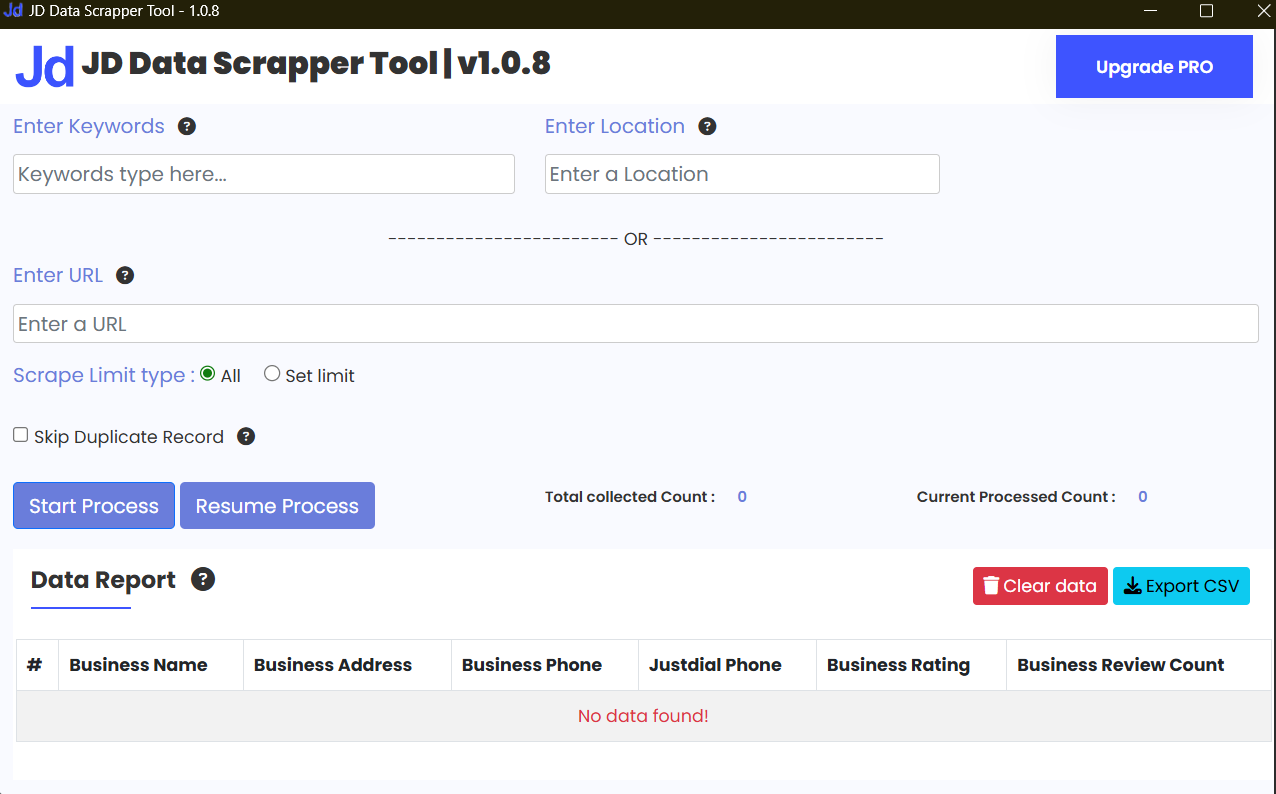
Sikander X Marketing also provides tools like WhatsApp API & CRM solutions, data extractor and scraper tools, chatbots, bulk messaging systems, and other digital resources that help businesses automate and grow faster.
The idea is simple — give you tools that save time and actually make your work easier, instead of adding more complexity.
FAQs
1. What is a digital business card single user?
It’s a personal digital profile that stores and shares your contact details easily without needing a team setup.
2. Is a digital business card better than paper?
In most cases, yes. It’s faster, editable, and harder to lose.
3. Do I need NFC for a digital card?
No. It’s optional. Links and QR codes work just fine.
4. Can I update my digital business card anytime?
Yes. That’s one of the biggest advantages.
5. Is it expensive to create one?
Not really. Many tools offer affordable or even free versions.
6. Can freelancers use digital business cards?
Absolutely. It’s actually one of the best use cases.
7. Do people actually use them?
More than you’d expect. Especially in tech, marketing, and sales spaces.
Conclusion
Here’s the simple truth.
A Digital Business Card Single User setup isn’t some revolutionary thing. It just fixes small, annoying problems in networking.
And those small improvements add up.
You don’t have to switch overnight.
You don’t have to go all-in.
Just try it.
Because once you get used to sharing your details in one tap… going back feels weird.
Connect With Sikander X Marketing
Stay updated with the latest automation tools, lead generation strategies, and software demos.
Follow us on:


Reviews
There are no reviews yet.