




Introduction
You’ve probably seen it already.
Someone taps their phone… boom, a clean-looking digital card pops up. No paper. No awkward “I’ll save your number later.” Just done.
And then you think — okay, I need this too.
So you search, land on a few blogs, maybe even some marketplace listings. And suddenly everything feels… complicated. Too many features. Too many claims. Not enough real explanation.
That’s where most people get stuck.
This guide is different. I’m not going to throw fancy jargon at you. I’ll walk you through what Digital Business Card Source Code actually is, how it works, what matters (and what honestly doesn’t), and where people usually mess it up.
Let’s break it down properly.
What Is Digital Business Card Source Code (Without the Tech Headache)
Here’s the thing.
When people hear “source code,” they assume it’s something only developers should care about. That’s not really true.
Think of it like this:
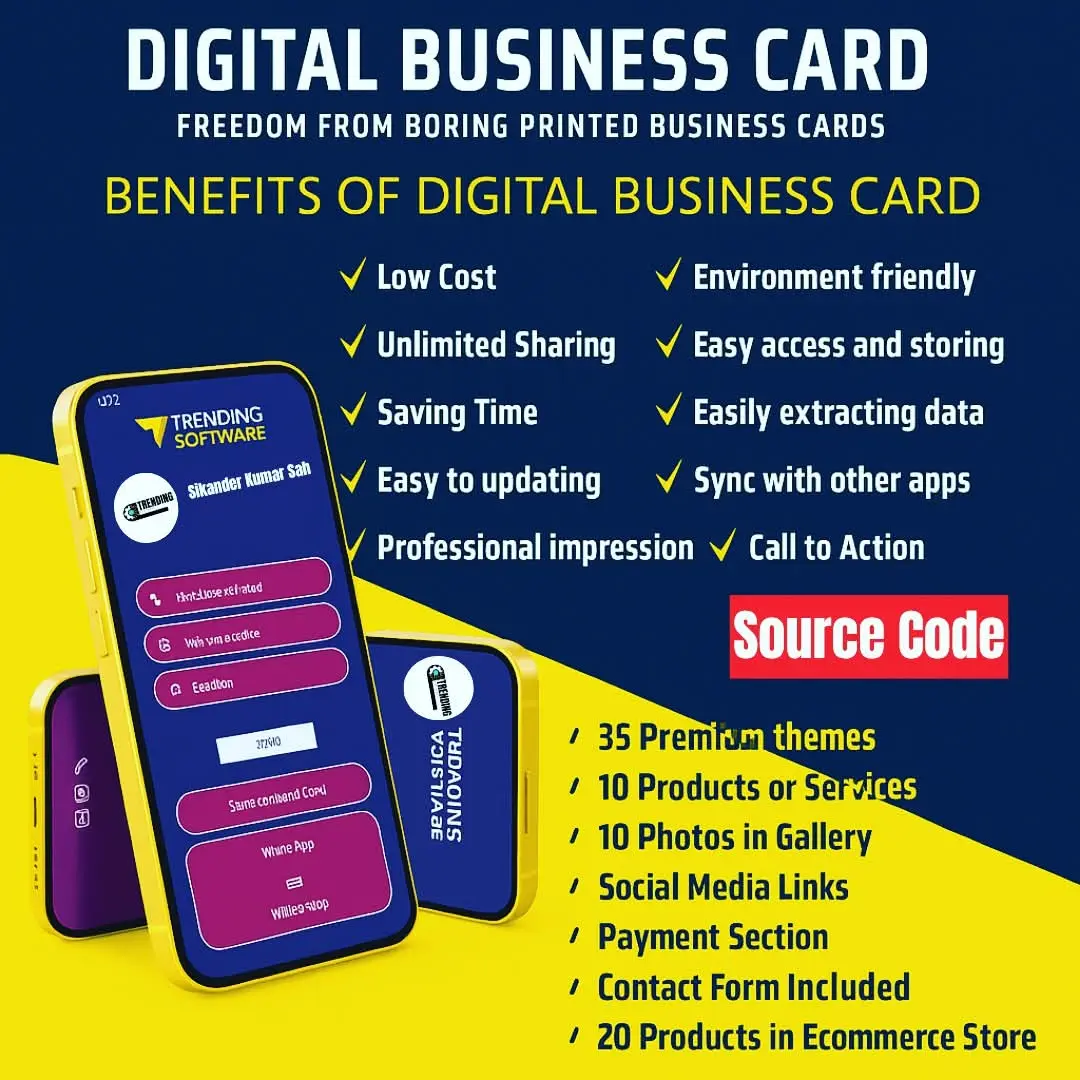
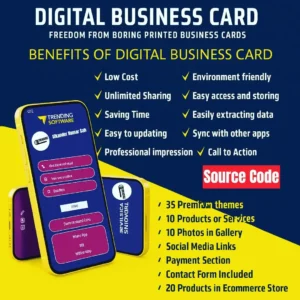
The Digital Business Card Source Code is just the engine behind those sleek digital cards you see. It controls how the card looks, how users create it, how data is stored, and how sharing works.
That’s it.
You’re basically getting a ready-made system where:
- Users can create their own digital cards
- Each card has a unique link or QR code
- Information is stored and displayed dynamically
It’s not magic. It’s just structured logic.
Now, here’s where blogs usually mess up — they jump straight into features without explaining why any of it matters.
So let’s fix that.
Why People Actually Want This (It’s Not Just “Trendy”)
Honestly, most people don’t want a “digital card.”
They want convenience.
- No printing costs
- No running out of cards at events
- No outdated contact info floating around
And if you’re running a business?
It gets more interesting.
You can:
- Sell digital cards as a service
- Offer white-label solutions
- Build recurring income (subscriptions)
That’s where the real value sits. Not in the card itself — but in the system behind it.
What’s Inside a Typical Digital Card System
Now let’s get into the actual structure. Not too technical, don’t worry.
If the system is built properly, you’ll normally find these core features inside it:
1. User Dashboard
This is where users log in and manage their card.
They can:
- Edit contact details
- Upload images
- Add social links
- Customize colors
Some dashboards feel smooth. Others… feel like 2005.
You’ll notice the difference instantly.
2. Public Card Page
This is the part people actually see.
It’s usually a mobile-optimized page with:
- Name, phone, email
- Social icons
- Business info
- Click-to-call buttons
If this page is slow or ugly, the whole system fails. Even if everything behind the scenes works perfectly, it won’t matter much.
3. QR Code Generator
This is non-negotiable now.
Every decent QR code business card solution includes automatic QR generation.
Why it matters:
Because sharing a link is fine… but scanning is faster in real life.
4. Admin Panel
This is where you (or the business owner) control everything.
- Manage users
- Set pricing plans
- Track usage
- Enable/disable features
Most people ignore this part when buying.
Big mistake.
Because if the admin panel sucks, scaling becomes painful.
Where Most Source Codes Go Wrong
Now let’s be real for a second.
Not all source codes are worth your time.
Here’s where things usually fall apart:
❌ Too Many Features, Zero Clarity
Some scripts try to do everything.
Booking system. Blog. CRM. Chat. Analytics.
Sounds impressive… until nothing works smoothly.
❌ Poor UI/UX
This is huge.
If the design feels clunky, users won’t stick around.
Simple beats “feature-rich” almost every time.
❌ No Real Monetization Structure
You’ll see “SaaS ready” everywhere.
But half the time, subscription logic is broken or limited.
Which means… you’ll need extra development anyway.
❌ Bad Mobile Experience
Ironically, some “digital card” systems don’t work well on mobile.
That’s a dealbreaker.
Open Source vs Paid Script (Quick Reality Check)
Let’s compare honestly.
| Type | Good Part | Not So Good |
|---|---|---|
| Open Source | Free, flexible | Needs heavy setup, time-consuming |
| Paid Script | Ready to use, faster launch | Limited customization sometimes |
| Custom Build | Fully tailored | Expensive and slow |
| SaaS Script | Monetization-ready | Depends on quality |
If you’re just starting?
Go with a solid paid or SaaS-ready script. It saves you weeks of headache.
How This Actually Makes Money (Yes, It Can)
A lot of people ask this quietly.
“Can I really earn from this?”
Short answer — yes.
Long answer — depends on execution.
Here’s how people usually monetize:
- Monthly subscriptions (₹99–₹499 plans)
- One-time card creation fees
- White-label reseller access
- Add-on features (extra templates, analytics, etc.)
But here’s the catch.
If your system feels cheap, people won’t pay. Even ₹99.
Choosing the Right Digital Business Card Source Code
Alright, this part matters more than anything else.
Don’t just look at demos.
Look at:
✔ Speed
Open the demo on your phone. If it lags… walk away.
✔ Customization
Can users actually make the card look different? Or is everything the same template?
✔ Payment Integration
If you plan to sell — this must be smooth.
✔ Update Support
Dead scripts exist. Developers disappear. Happens more than you think.
✔ Clean UI
This is subjective, but trust your gut.
If it feels outdated, your customers will feel it too.
A Quick Word About Getting Access
Now, I’ll be honest here.
Most people don’t want to deal with setup, bugs, or figuring everything out from scratch.
That’s where platforms like Sikander X Marketing come in.
They don’t just offer the Digital Business Card Source Code — they bundle it with things people actually need:
- WhatsApp API integrations
- CRM tools
- Data extractor systems
- Automation tools
- Canva Pro access
- Chatbot setups
- Facebook agency ad accounts
It’s more like a toolkit than just a script.
And if you’re planning to turn this into a business, having everything in one place… saves a lot of time. Seriously.
Expert Insight
“Most people think once they buy the script, that’s it… job done. It’s not. The real effort kicks in after setup — how you position it, what you charge, and how simple you make it for users.”
That’s from someone who’s been around this space for a while.
And yeah, it’s true.
Real Example (Simple, But Tells You Everything)
Let’s say you launch this in your city.
You approach:
- Real estate agents
- Insurance advisors
- Freelancers
You don’t pitch “technology.”
You say:
“Your clients don’t need to keep a card anymore — they can just tap once and your contact is saved. Simple as that.”
That’s it.
Now it clicks.
Do You Need Coding Skills?
Short answer — no.
Long answer — a little helps.
Most vCard SaaS scripts are plug-and-play.
But:
- Minor tweaks
- Hosting setup
- Payment integration
These might need basic understanding.
Or someone to help.
FAQs
1. What is Digital Business Card Source Code used for?
It’s used to create and manage digital visiting cards that can be shared via link or QR code.
2. Can I sell digital cards using this?
Yes. Many systems support subscription plans or one-time payments.
3. Is it better than paper business cards?
For most use cases, yes. Easier to update and share.
4. Do I need hosting?
Yes. You’ll need a server to run the system.
5. Can I customize the design?
Depends on the script. Some allow deep customization, others are limited.
6. Is it a good business idea in 2026?
Still growing. Especially in local markets.
7. How much does a script cost?
Anywhere from ₹1,000 to ₹20,000+, depending on features.
Conclusion
So here’s the honest takeaway.
The Digital Business Card Source Code isn’t some magical shortcut. It’s just a tool. A useful one, yes — but still just a tool.
What actually matters is how you use it.
If you pick the right system, keep things simple, and focus on real-world usability… it can genuinely turn into a solid business or at least a very practical solution.
Start small. Test it. Don’t overcomplicate it.
That’s usually where things start working.
Connect With Sikander X Marketing
Stay updated with the latest automation tools, lead generation strategies, and software demos.
Follow us on:

Reviews
There are no reviews yet.