






Introduction
You ever open a Facebook group and think, “There are thousands of potential leads here… but how do I actually collect them?”
Yeah. That’s usually where the confusion starts.
Most people hear about a Facebook Data Extractor and imagine some magic button that just downloads customers into a spreadsheet. It’s not that simple. And honestly, if someone told you it is, they’re overselling it.
In this guide, I’ll break down what it really does, when it makes sense to use one, and where beginners usually mess up. No hype. No robotic explanations. Just practical clarity.
What Is a Facebook Data Extractor?
Let’s not complicate it.
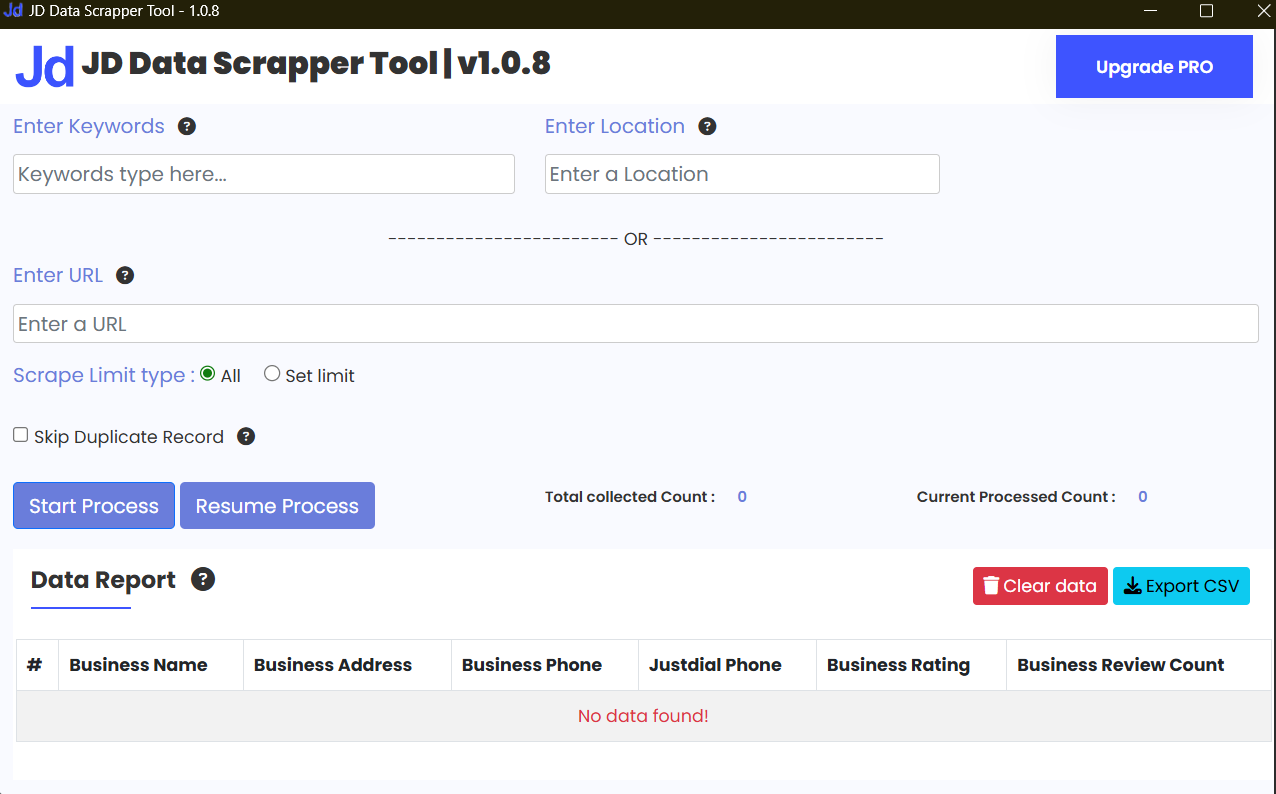
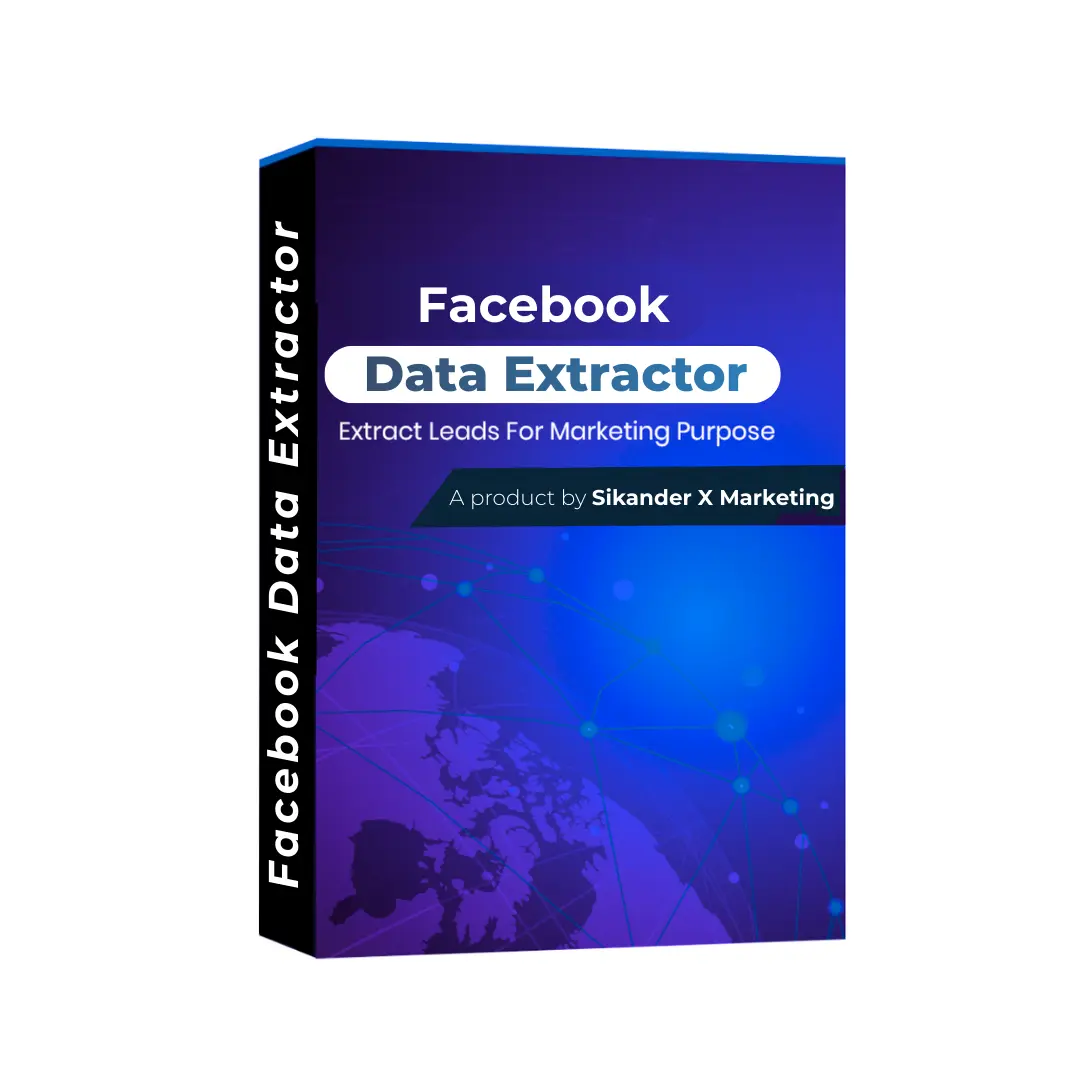
A Facebook Data Extractor is basically a software tool that pulls publicly available data from Facebook and organizes it into a usable format — usually CSV or Excel.
That’s it.
It can collect things like:
Group member names
Public profile URLs
Page followers
Comments on posts
Engagement metrics
But here’s the thing. It doesn’t “hack” Facebook. It doesn’t give you private emails magically. And if someone claims it does, run.
Most tools work like automated browsers. They scroll, collect visible information, and structure it.
Think of it as a fast intern who never gets tired.
Why People Actually Use It (And Why They Don’t Admit It)
Now let’s be real for a second.
People use a Facebook data scraping tool for three main reasons:
Lead generation
Market research
Audience analysis
Lead generation is the obvious one. You want to export Facebook group members from a niche group and connect with them. Fair enough.
Market research is more underrated. You can analyze what kind of posts get engagement in your competitor’s group. That’s valuable. Very valuable.
And then there’s audience mapping. Figuring out who’s engaging, what type of profiles they have, what pages they follow.
The truth is, most marketers won’t openly say they use these tools. But many do.
Where Most Blogs Get It Wrong
I’ve read a lot of articles on this topic.
They usually do one of two things:
Overhype it like it’s a secret growth hack
Or make it sound extremely technical
Neither is accurate.
A Facebook Data Extractor is useful. But it’s just a tool. If your offer sucks, extracting 5,000 leads won’t save you.
And if you don’t know how to approach people properly, automation will just amplify your mistakes.
How It Actually Works Behind the Scenes
No deep coding explanation. Just logic.
Most tools:
Log into your Facebook account
Navigate to a group or page
Scroll automatically
Capture visible data
Export into CSV or Excel
That’s the basic flow.
Some advanced tools also allow filtering. For example, extracting only members who recently posted or reacted.
That’s where it becomes more strategic.
Instead of blasting everyone, you target active users. Big difference.
Facebook Data Extractor for Lead Generation
Here’s the part beginners care about.
If you’re in digital marketing, real estate, education, or software — extracting data from niche groups can give you warm leads.
But don’t get lazy.
Just because you can automate Facebook data collection doesn’t mean you should spam people.
The smarter approach?
Extract active group members
Check their profile manually
Personalize your message
Build a conversation first
I’ve seen people ruin their accounts because they jumped straight into mass messaging.
Slow is smarter.
Extracting Facebook Page Data for Research
This is where I personally think it shines.
If you want to extract Facebook page data to study competitors, it’s incredibly useful.
You can analyze:
Top-performing posts
Comment frequency
Engagement trends
Active commenters
That gives you insight into content strategy. Way better than guessing.
And honestly, most small business owners don’t use this properly. They copy posts instead of understanding patterns.
That’s where most people get it wrong.
Comparison: Manual vs Tool-Based Extraction
Let’s compare honestly.
| Method | Speed | Accuracy | Risk Level | Practicality |
|---|---|---|---|---|
| Manual Copy-Paste | Very Slow | High (you control it) | Low | Good for small tasks |
| Facebook Data Extractor | Fast | Depends on tool | Medium | Best for scale |
| Custom Coding Script | Very Fast | High | High | For advanced users only |
Manual extraction works… if you’re dealing with 50 people.
Beyond that? It’s painful.
A Facebook profile scraper saves time. But it introduces risk if you abuse it.
Coding your own script? Powerful. But not beginner-friendly.
Is It Safe to Use?
This is the uncomfortable part.
Facebook doesn’t love automation.
Using any Facebook marketing research tool comes with some level of risk. The key variables are:
How aggressive you are
How frequently you extract
Whether you spam after extraction
If you behave like a human, risk reduces.
If you behave like a bot, your account eventually pays for it.
Simple.
Legal and Ethical Considerations
Let’s talk ethics.
Just because data is public doesn’t mean you should misuse it.
If you’re doing Facebook lead extraction, ask yourself:
Are you providing value?
Or just harvesting contacts?
Big difference.
I personally believe these tools are best for research and structured outreach — not cold spam campaigns.
Who Should Use a Facebook Data Extractor?
Not everyone needs it.
You should consider it if:
You run a marketing agency
You do niche-based lead generation
You conduct audience research
You analyze competitors regularly
If you’re just experimenting with business ideas… maybe start manually first.
Tools don’t replace clarity.
Common Mistakes Beginners Make
This part is important.
Extracting huge lists without a plan
Messaging everyone immediately
Ignoring Facebook’s limits
Using low-quality tools
A social media data extraction strategy should start with purpose.
Why are you collecting this data?
If you don’t know, stop there.
Expert Insight
“Data isn’t valuable because it’s big. It’s valuable because you know what to do with it. Most beginners focus on volume. Professionals focus on intent.”
That’s something I learned the hard way.
Choosing the Right Tool
When evaluating a Facebook Data Extractor, look for:
Export format options (CSV preferred)
Activity-based filtering
Session safety controls
Clear usage limits
Ignore flashy dashboards.
Focus on stability.
Also, test with a small extraction first. Always.
Practical Workflow Example
Let’s say you sell digital marketing services.
Step 1: Join 3 niche business groups.
Step 2: Extract active members only.
Step 3: Filter profiles with business indicators.
Step 4: Send 10–15 personalized messages per day.
That’s sustainable.
Scaling too fast is what kills accounts.
FAQs
1. Is a Facebook Data Extractor legal?
It depends on how you use it. Extracting public data is common, but misuse can violate platform policies.
2. Can I extract emails directly?
Usually no. Most tools collect publicly visible profile data only.
3. Will Facebook ban my account?
If you overuse automation or spam aggressively, yes — it’s possible.
4. What’s the best use case?
Competitor research and targeted outreach work best.
5. Can beginners use it safely?
Yes, but start small. Don’t automate everything immediately.
6. Does it work for private groups?
Only if you’re already a member and the data is visible to you.
Conclusion
A Facebook Data Extractor isn’t a magic growth hack. It’s a tool. And like most tools, it reflects the skill of the person using it.
Used wisely, it can speed up research, improve targeting, and make outreach more structured.
Used recklessly, it can get your account restricted.
So start slow. Think before you extract. And focus more on conversations than collections.
That’s where the real growth happens.
We are also providing Social Media Extractor.

Reviews
There are no reviews yet.