




Wa Sender: What It Is and Why People Use It
Introduction
If you’ve ever tried messaging 200 people on WhatsApp manually… you know the pain.
Open chat.
Paste message.
Send.
Repeat.
After the 30th message your brain starts melting.
That’s usually the moment people start searching for a Wa sender.
Now here’s the thing. A lot of blogs make this tool sound magical. Like you install it and suddenly sales start raining.
That’s not how it works.
But used properly? Yeah, it can save hours of boring work and help you reach people faster.
In this guide we’ll walk through what it actually does, how people use it, where it helps, and where beginners often mess things up.
What a Wa Sender Actually Is
Let’s keep it simple.
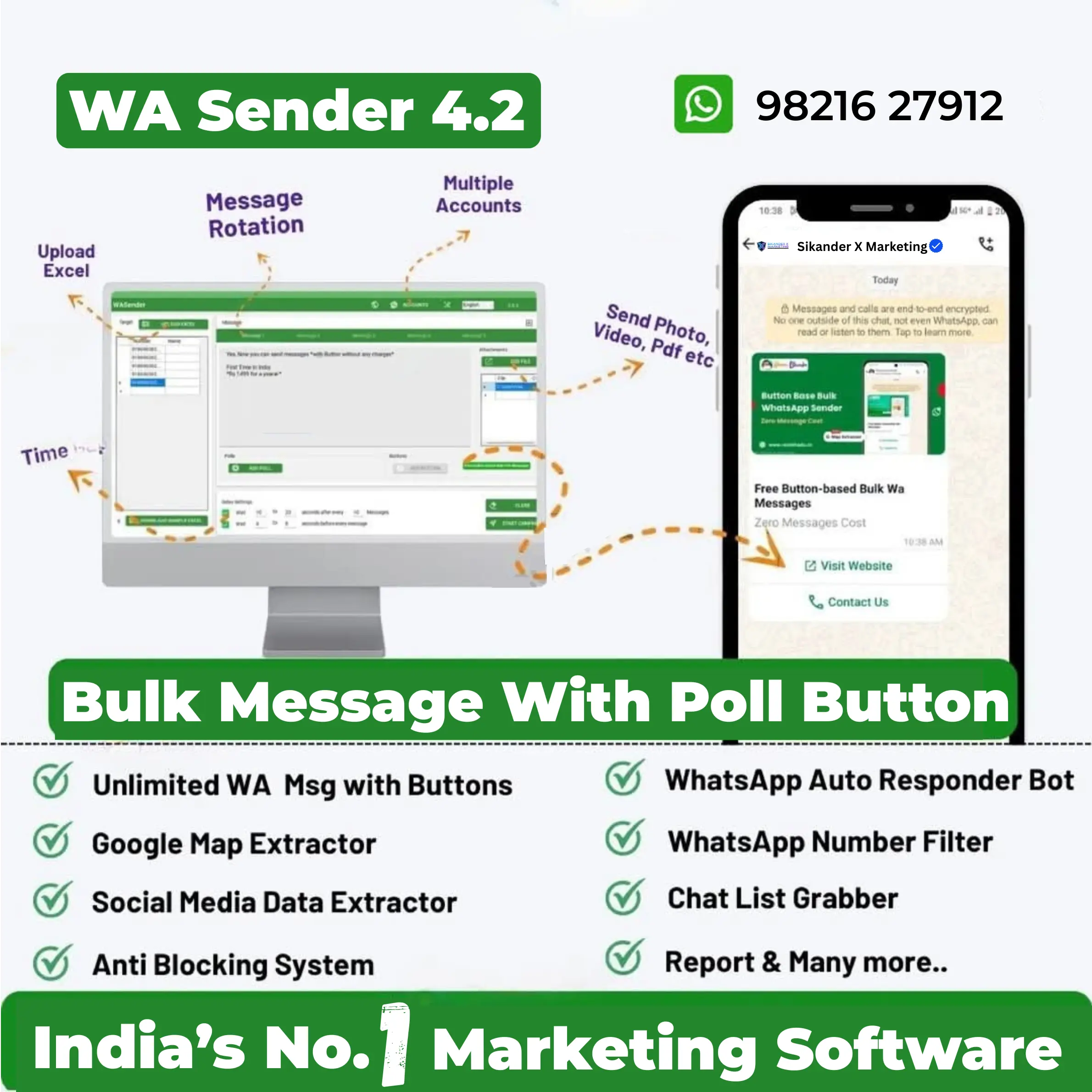
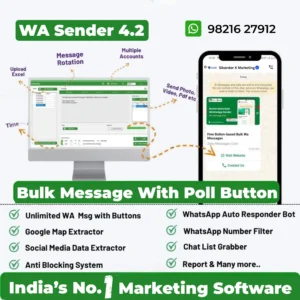
A Wa sender is a tool that sends the same WhatsApp message to multiple contacts automatically.
That’s it.
Instead of typing messages one by one, the software handles the repetition.
Businesses usually use it for things like:
promotions
offers
reminders
announcements
customer follow-ups
Think of it like email marketing… but on WhatsApp.
And honestly, WhatsApp tends to get way more attention. People ignore emails. WhatsApp notifications? Harder to ignore.
Why Businesses Even Bother With WhatsApp Messaging
Now let’s be real for a second.
WhatsApp isn’t just a chat app anymore.
For many small businesses it’s basically their main communication channel.
A lot of customers prefer messaging instead of calling or emailing.
Here’s why businesses lean into tools like a Wa sender:
First, open rates are insane compared to email.
Most WhatsApp messages get read within minutes. Sometimes seconds.
Second, conversations feel personal.
Even if you send a message to 500 people, it still lands in their private chat. That changes how people react.
Third, it’s fast.
You can send offers, updates, or product launches instantly.
But—and this is important—spamming people ruins everything.
That’s where most beginners get it wrong.
How a Wa Sender Works (Without the Tech Jargon)
You don’t need to be a developer to use one.
Most tools follow a similar flow.
Step 1: Upload contacts
Usually through a CSV file or contact list.
Step 2: Write your message
Promotions, updates, reminders.
Step 3: Add personalization (optional)
Some tools allow names or custom fields.
Step 4: Start sending
The system sends messages automatically with small delays.
That delay part matters.
Sending 1000 messages instantly looks suspicious. Smart tools spread messages out to reduce risk.
Still… it’s not foolproof.
Common Ways People Use It
People don’t always use a Wa sender for marketing blasts.
There are a bunch of practical use cases.
For example:
Local businesses
A salon reminding clients about weekend discounts.
Course creators
Sending webinar reminders or class updates.
Ecommerce sellers
Sharing order updates or new arrivals.
Freelancers
Following up with leads who asked for pricing.
You get the idea.
Basically any scenario where you need to message many people quickly.
Where Beginners Usually Mess Up
Honestly, this part matters more than the tool itself.
Because the software isn’t the real problem.
The strategy is.
Here’s what people do wrong.
1. Messaging strangers
If someone never interacted with your business… messaging them randomly is risky.
People report spam quickly.
And once your number gets flagged, it’s a headache.
2. Sending too many messages too fast
New users get excited.
They import 10,000 contacts and hit send.
Bad idea.
WhatsApp systems notice unusual activity pretty quickly.
3. Writing terrible messages
You’ve probably seen these:
“HELLO SIR WE HAVE BEST OFFER CLICK NOW LIMITED TIME”
Yeah… nobody likes that.
Short, clear messages perform way better.
Types of Wa Sender Tools
Not every tool works the same way.
Some are simple browser extensions.
Others are full software platforms.
Here’s a quick comparison.
| Type | Best For | Limitations |
|---|---|---|
| Browser extension | Beginners testing bulk messaging | Limited features |
| Desktop software | Regular marketers sending campaigns | Needs computer running |
| Cloud platforms | Businesses scaling outreach | Often requires API approval |
Most beginners start small.
Then upgrade once messaging volume grows.
Is It Safe to Use?
This question comes up constantly.
And the honest answer?
It depends how you use it.
Using a Wa sender responsibly usually means:
messaging people who opted in
sending reasonable volumes
avoiding spam-like content
When people ignore these basics… accounts get restricted.
That’s the reality.
Some businesses solve this by using official WhatsApp Business API solutions.
Those follow stricter rules but are more stable long-term.
Practical Tips Before You Send Your First Campaign
If you’re thinking about using a Wa sender, slow down a bit.
A few small habits can make a big difference.
Start with smaller batches.
Maybe 50–100 contacts first.
Watch how people respond.
Then scale gradually.
Also write messages that feel human.
Example:
Instead of:
“LIMITED OFFER BUY NOW”
Try something like:
“Hey, quick update. We just added a small weekend discount for our regular customers.”
It feels different.
Less spammy.
Expert Insight
One marketer I know who runs campaigns daily once told me something simple.
“The tool doesn’t make sales. The message does. Most people blame the software when their message is the real problem.”
Honestly, that line stuck with me.
Because it’s true.
Automation only helps if the communication actually makes sense.
When You Should NOT Use a Wa Sender
This might sound weird in a guide like this, but it’s worth saying.
Sometimes automation is unnecessary.
For example:
If you only message 10–20 customers per day… manual replies might actually be better.
They feel more personal.
Also if your audience prefers calls or email, forcing WhatsApp marketing may not work well.
Tools should support your workflow.
Not complicate it.
Simple Example Campaign
Let’s imagine a small training institute announcing a new batch.
A Wa sender campaign might look like this:
Message:
“Hi Rahul, quick update. Our new digital marketing batch starts Monday. Let me know if you want the details.”
Short.
Friendly.
Direct.
That kind of message gets replies.
Not because of the software.
Because it feels natural.
A Quick Reality Check
Some people search for these tools hoping they’ll magically generate leads.
That’s wishful thinking.
A Wa sender saves time.
It doesn’t replace marketing strategy.
You still need:
good offers
clear messaging
real audience interest
Otherwise you’re just automating noise.
FAQs
What is a Wa sender?
A Wa sender is software that automatically sends WhatsApp messages to multiple contacts instead of messaging each person manually.
Is it legal to send bulk WhatsApp messages?
It depends on local laws and platform policies. Messaging people who opted in is generally safer than contacting random numbers.
Can WhatsApp ban my number?
Yes, if the system detects spam-like behavior or too many complaints from recipients.
Do I need WhatsApp Business to use it?
Some tools work with regular WhatsApp accounts. Others require WhatsApp Business or official API access.
Is it better than email marketing?
Not necessarily better. But WhatsApp messages often get read faster and more frequently.
How many messages can be sent per day?
There’s no universal number. Many users start with smaller batches and increase gradually to avoid account restrictions.
Are free tools reliable?
Some are fine for testing. Long-term campaigns usually need more stable software solutions.
Final Thoughts
A Wa sender is basically a productivity tool.
Nothing more.
Nothing magical.
Used wisely, it saves time and helps businesses communicate with customers faster. Used poorly… it becomes another spam machine that annoys people.
If you’re planning to try one, start slow. Test messages. Pay attention to responses.
Automation should make communication easier.
Not worse.
Connect With Sikander X Marketing
Stay updated with the latest automation tools, lead generation strategies, and software demos.
Follow us on:

Reviews
There are no reviews yet.